
Create a Custom Role
Build a custom role when none of the built-in roles fits, for example a lease administrator or payables role. You need to be an Owner or Admin.
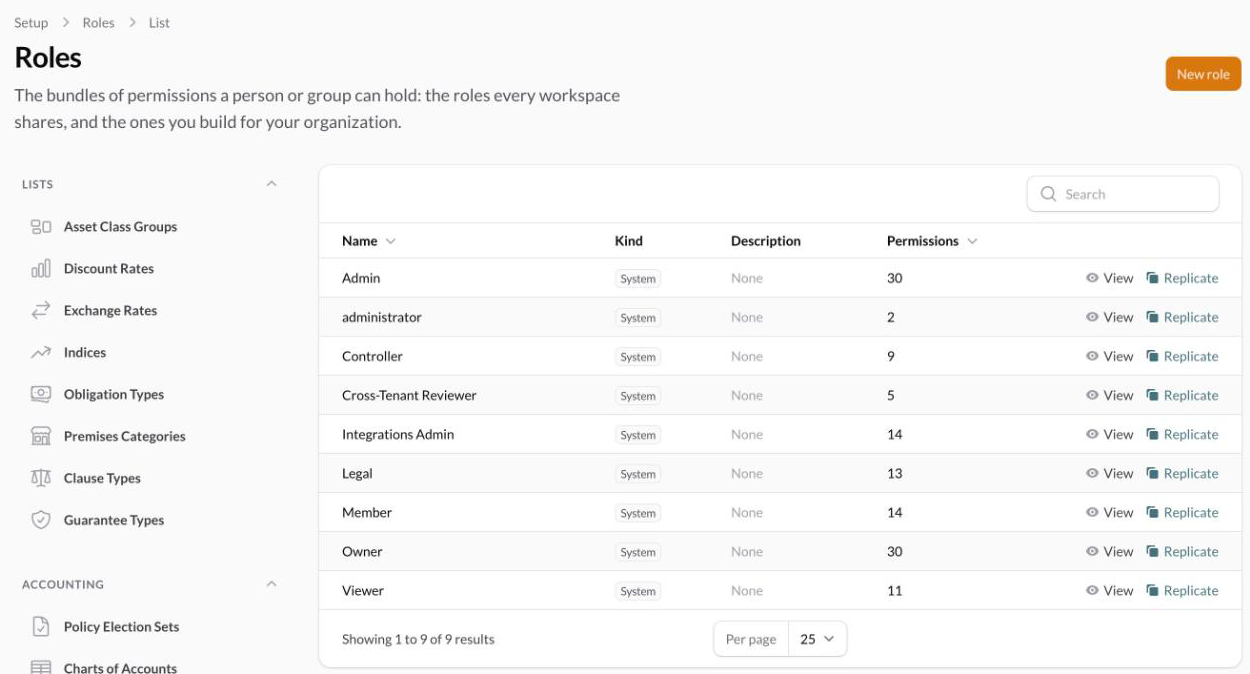
Start from a blank role
Go to Setup > Roles, or click Manage roles on the Users page.
Click New role.
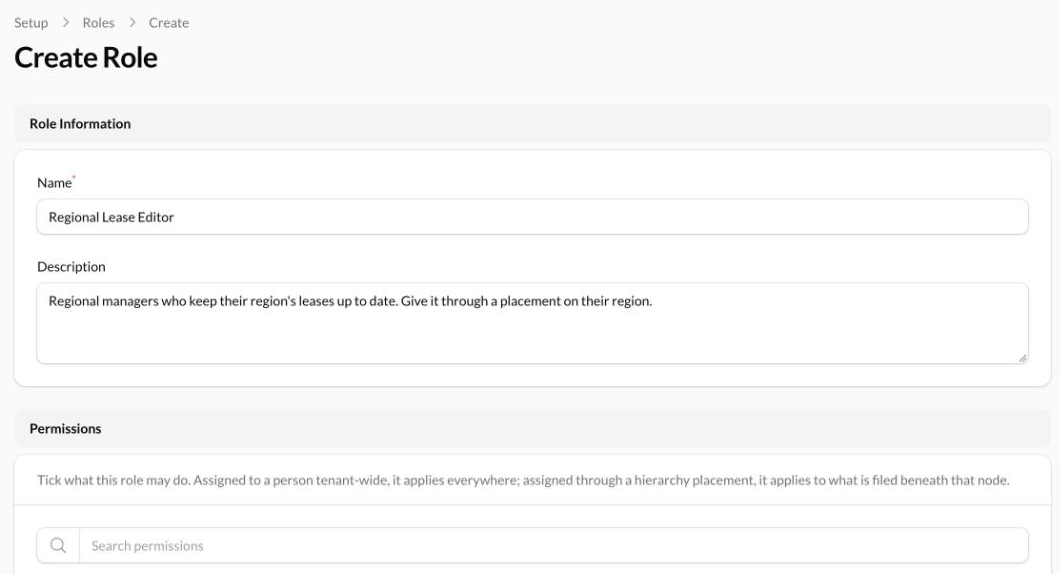
Enter a name and a short description of who holds it. The name can't match a role we ship.
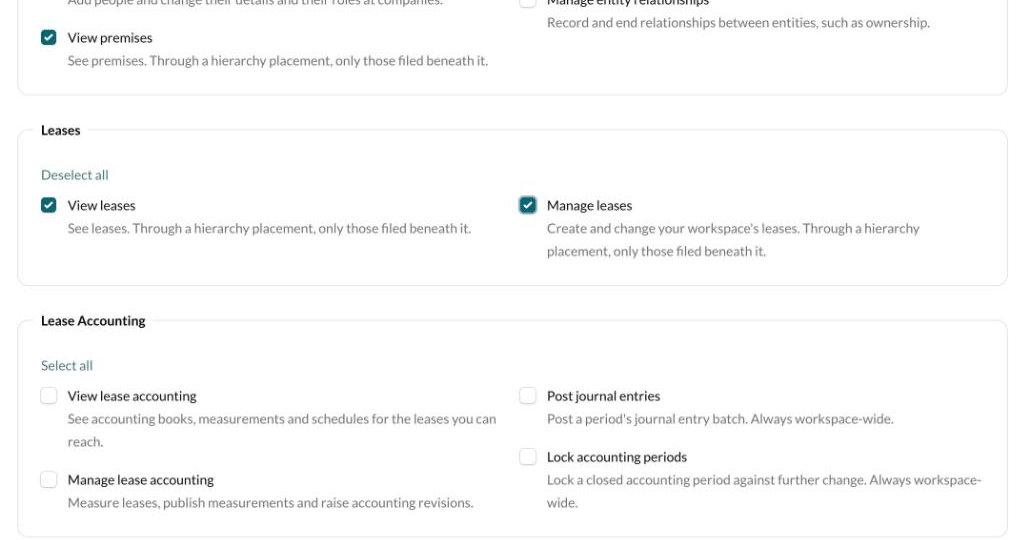
Tick the permissions the role allows. They're grouped into Registry, Leases, Lease Accounting, Document Uploads, Work Queues, Automations, Dashboard, Setup and AI Clients.
Click Create.
To start from an existing role instead, click Replicate on that role and edit the copy. Click View on any role to see what it allows.
Use the role as an additional role or on a placement
Where you give the role changes how far it reaches.
As an additional role, it applies across the whole workspace.
On a placement, it applies only to what's filed beneath that node, and only its lease, lease accounting and premises permissions count.
For a role you'll use on placements, tick View as well as Manage. Manage leases without View leases lets someone change a lease they can't open.